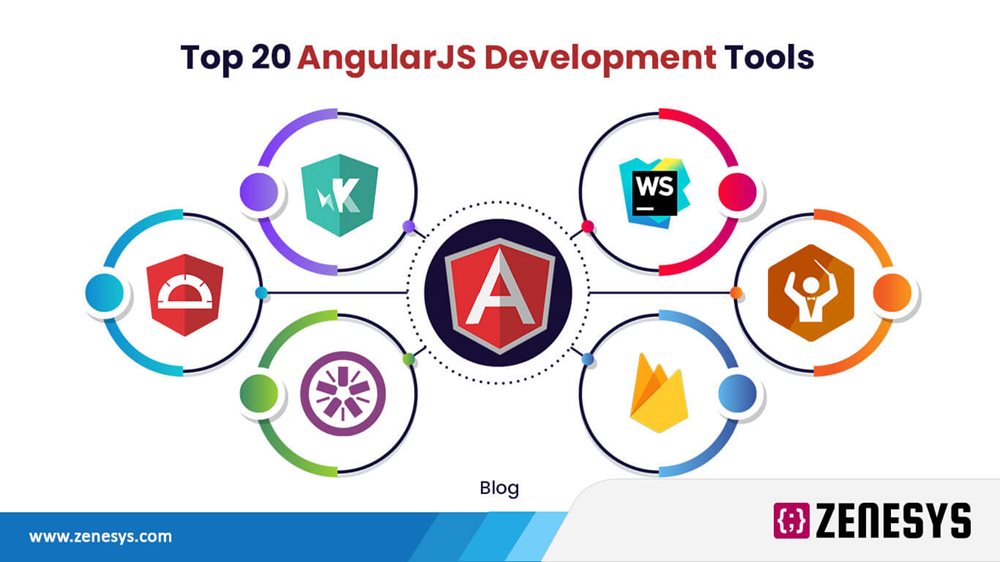
Getting Started with Angular: A Beginner's Guide to Crafting Dynamic Web Applications
Getting Started with Angular is an exciting journey into the world of dynamic web applications. Angular, developed by Google, is a powerful framework that allows developers to build single-page applications (SPAs) with ease. To begin your adventure, first, ensure you have the necessary tools installed, such as Node.js and the Angular CLI. This setup will help streamline the creation and management of your Angular projects. Start by creating a new project using the command: ng new my-angular-app. This command will generate a robust structure for your application, providing a solid foundation on which to build.
Once your project is set up, it's time to dive into the core concepts of Angular. Familiarize yourself with components, which are the building blocks of any Angular application. Each component controls a section of the user interface and can range from simple elements to complex layouts. You can create a new component with ng generate component my-component. Additionally, understanding services and dependency injection will enhance your ability to manage data and business logic effectively. As you progress, consider exploring Angular's powerful features like routing, forms, and state management to craft truly dynamic applications.
Top 10 Angular Features Every Developer Should Know to Enhance User Experience
Angular has become a preferred framework for building dynamic web applications, and its features play a crucial role in enhancing user experience. Understanding these features can significantly improve development efficiency and application performance. Here are the Top 10 Angular Features every developer should know:
- Two-Way Data Binding: This feature allows automatic synchronization of data between the model and the view, ensuring that changes in the model reflect in the view and vice versa.
- Dependency Injection: Angular's dependency injection allows developers to manage services and components efficiently, thereby reducing the need for repetitive code and making testing easier.
- Directives: Directives are powerful elements that can enhance HTML with custom behavior, enabling developers to create reusable and modular code.
- Routing: The Angular router enables seamless navigation between views, improving user experience through a cohesive user interface.
- Modules: Angular’s modular architecture promotes better organization of code, facilitating easier management and maintenance.
- Lazy Loading: This feature allows developers to load components and modules only when they are needed, boosting application performance and load times.
- Angular CLI: The Angular Command Line Interface simplifies the development process by providing commands for rapid project setup, testing, and deployment.
- RxJS: With RxJS for reactive programming, developers can manage asynchronous data streams effectively, resulting in a smoother user experience.
- Form Handling: Angular provides powerful tools for handling forms, including validation, making data entry easier and more intuitive for users.
- Change Detection: Angular’s change detection mechanism efficiently tracks and updates changes in the data model, ensuring the UI is always in sync with the application state.
How to Optimize Your Angular Application for Performance and Scalability
Optimizing your Angular application for performance and scalability is crucial for providing a smooth user experience. Start by implementing the OnPush change detection strategy to minimize the number of checks Angular performs. This strategy ensures that your components only update when their input properties change, resulting in improved rendering performance. Additionally, utilize lazy loading for your modules to decrease the initial load time. By loading specific modules only when needed, you can significantly reduce the bundle size and enhance the speed of your application.
Another effective method to enhance the performance of your Angular application is to optimize the use of third-party libraries. Always evaluate the necessity of each library, as unnecessary dependencies can bloat your application and negatively impact its performance. Furthermore, consider employing AOT (Ahead-of-Time) compilation, which compiles HTML and TypeScript into JavaScript during the build process. This not only speeds up the rendering time but also minimizes the amount of work the browser has to do, making your application more scalable and faster overall.